
Deskpilot
The light and dark icons for Deskpilot.
Really excited to finally make Deskpilot public after a few months of working on it. It's a native Mac app for the Ergodriven Tempo and an alternative to their official iOS app. In the first iteration, I had Astra 6.0 download the Android app on my MacBook Pro, reverse-engineer its Bluetooth protocol, and test it against my desk. However, after seeing old games getting decompiled, I had Fable 5.1 disassemble the app's Hermes bytecode to get the rest of the controller's capabilities.
Ergodriven Tempo
The Ergodriven Tempo is a custom controller for standing desks that automates sitting and standing, raising and lowering based on a custom schedule you set yourself. This might sound like a simple issue to solve: just have custom firmware on the controller that raises and lowers after a set amount of time, right? However, the issue with that is that you would have to manually start and stop the schedule whenever you start and stop working. And also, what happens if you take a break for five minutes? The Tempo solves this via a sensor that detects when you're at the desk. It uses that to track how long you've actually been sitting or standing and follows the routine you set. If you take a break, the timer pauses and picks back up when you come back.
The problem
This controller sounds amazing, right? It is, don't get me wrong—I literally don't have to think about standing or sitting, even without custom software. The controller takes care of that in a way that feels invisible. However, there's a lot of cool stuff we're leaving on the table without software, like tracking how long we spend at our desks (which I think is more useful than Screen Time!). Ergodriven does have a mobile app that allows you to connect to the controller via Bluetooth to see all this data. However, the issue is that the UI/UX SUCKS! Take a look.
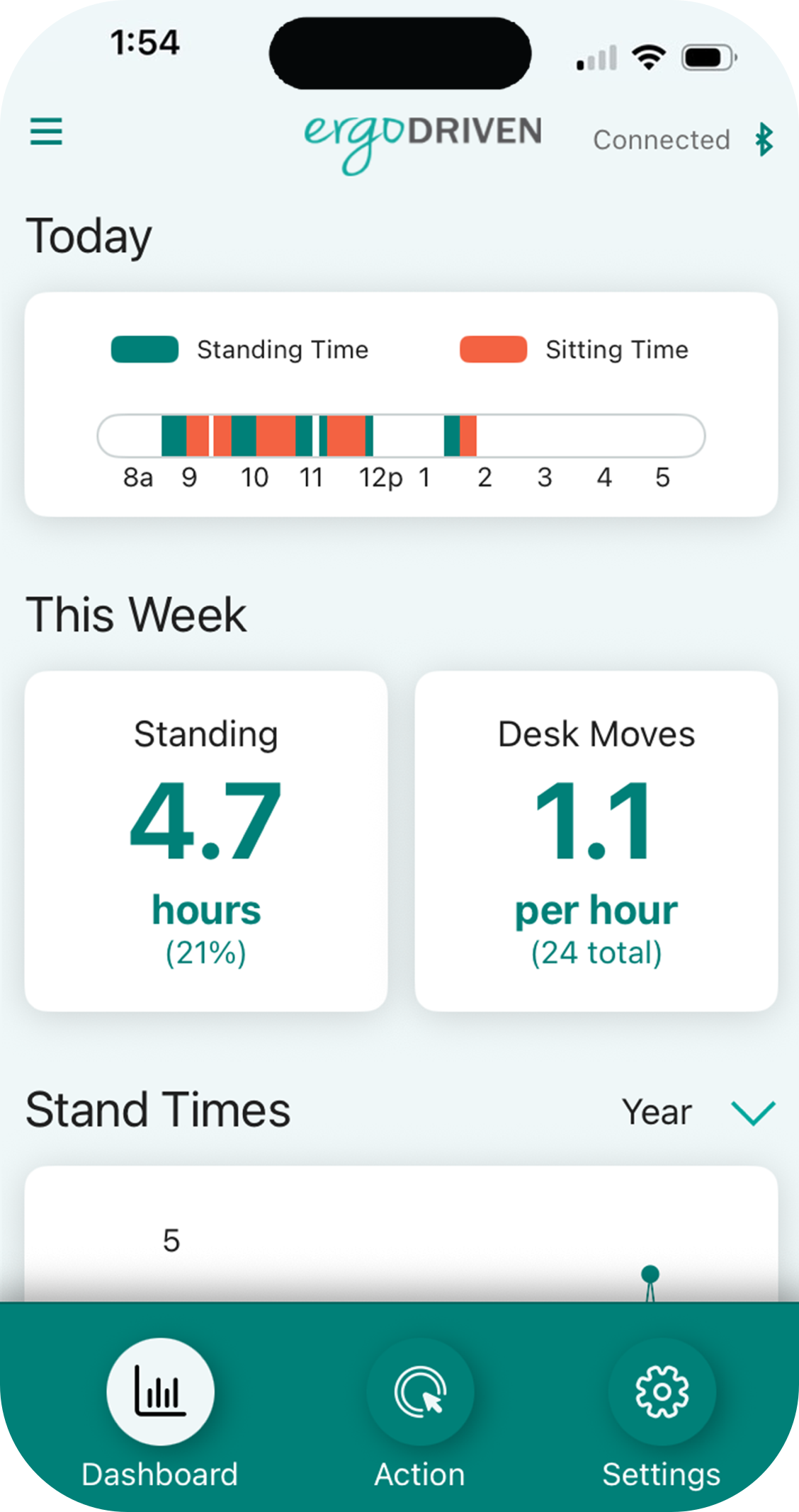
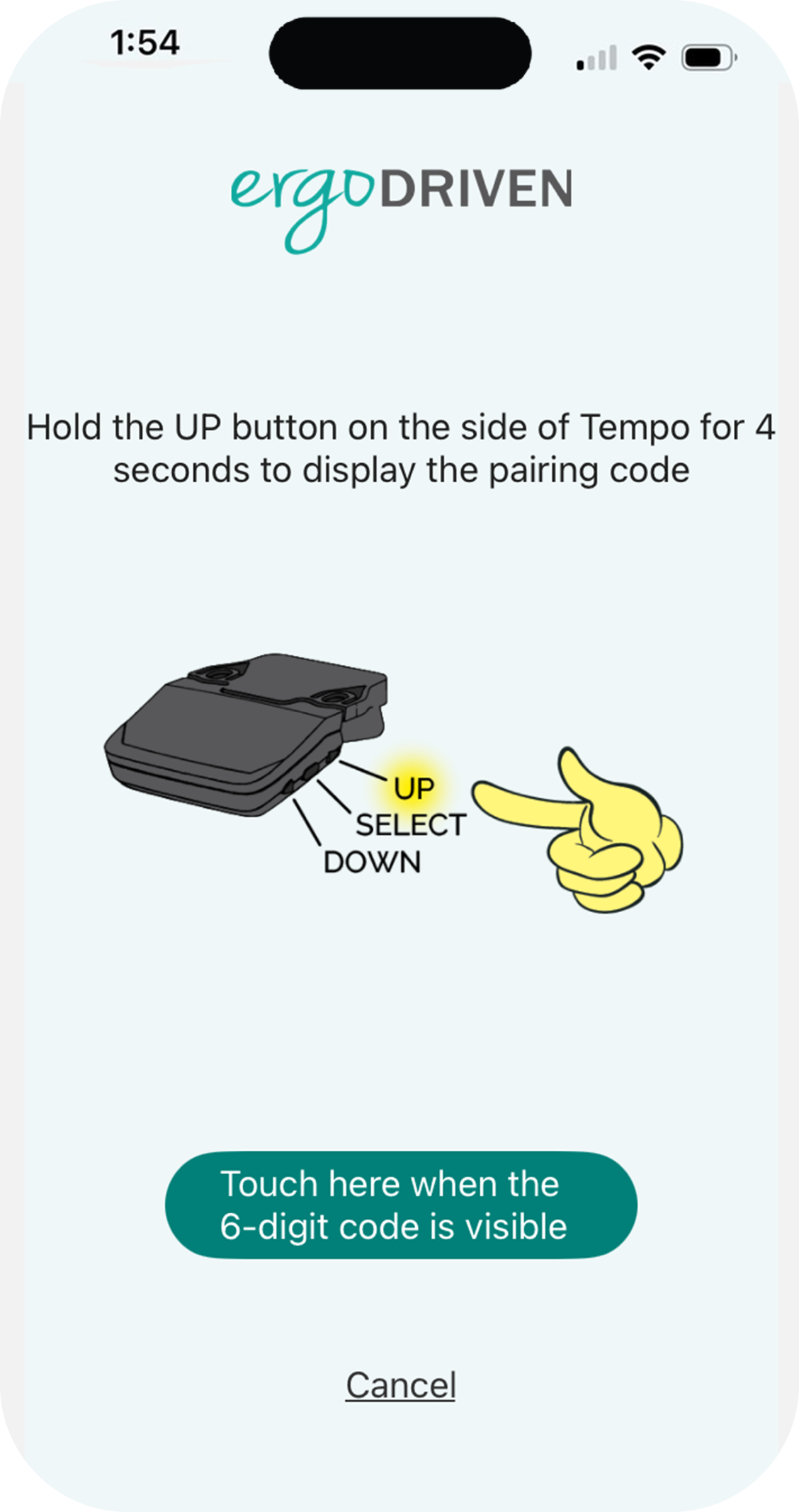
Screenshots from Ergodriven's App Store listing.
So I thought about building a Mac app, with a lot of focus on a high-quality menu bar app with custom icons, high-quality graphs, and a menu bar popover. After all, it makes more sense to check my desk stats on my computer (that's on my desk) instead of my phone.
The UI
I spent a lot of time on the UI! It's far from perfect, of course, but I did spend a lot of time on the details. Here are some pictures.
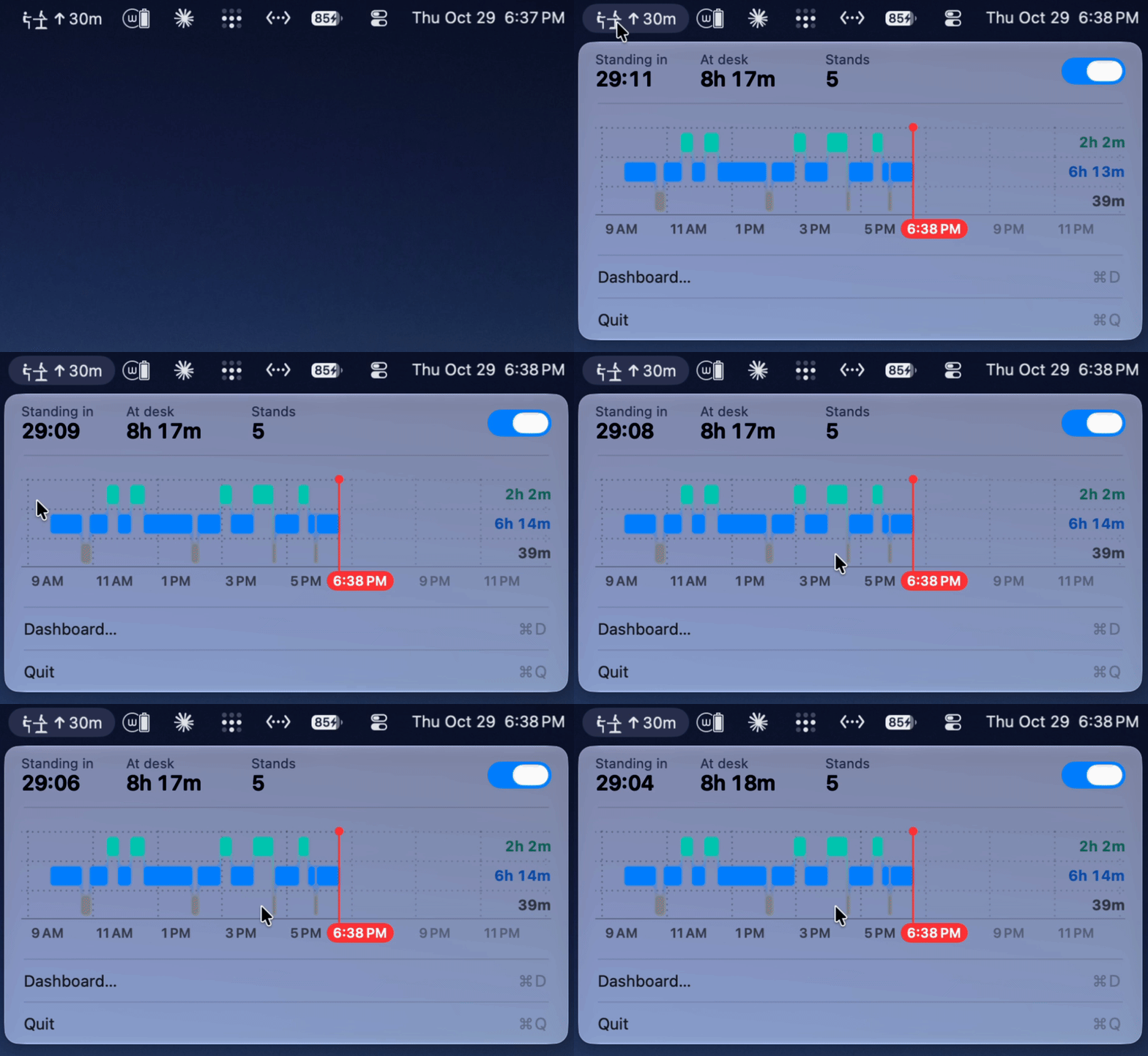
The graph UI was copied from Apple's sleep graph, which I felt was a good, nice-looking choice that looked native to the Apple platform. I had to iterate with my agents to match Apple's sleep UI pixel by pixel using screenshots the agents found online. I reckon they did a pretty decent recreation.
We got native horizontal scrolling for the graphs that also matches the GitHub-style frequency graph at the bottom.
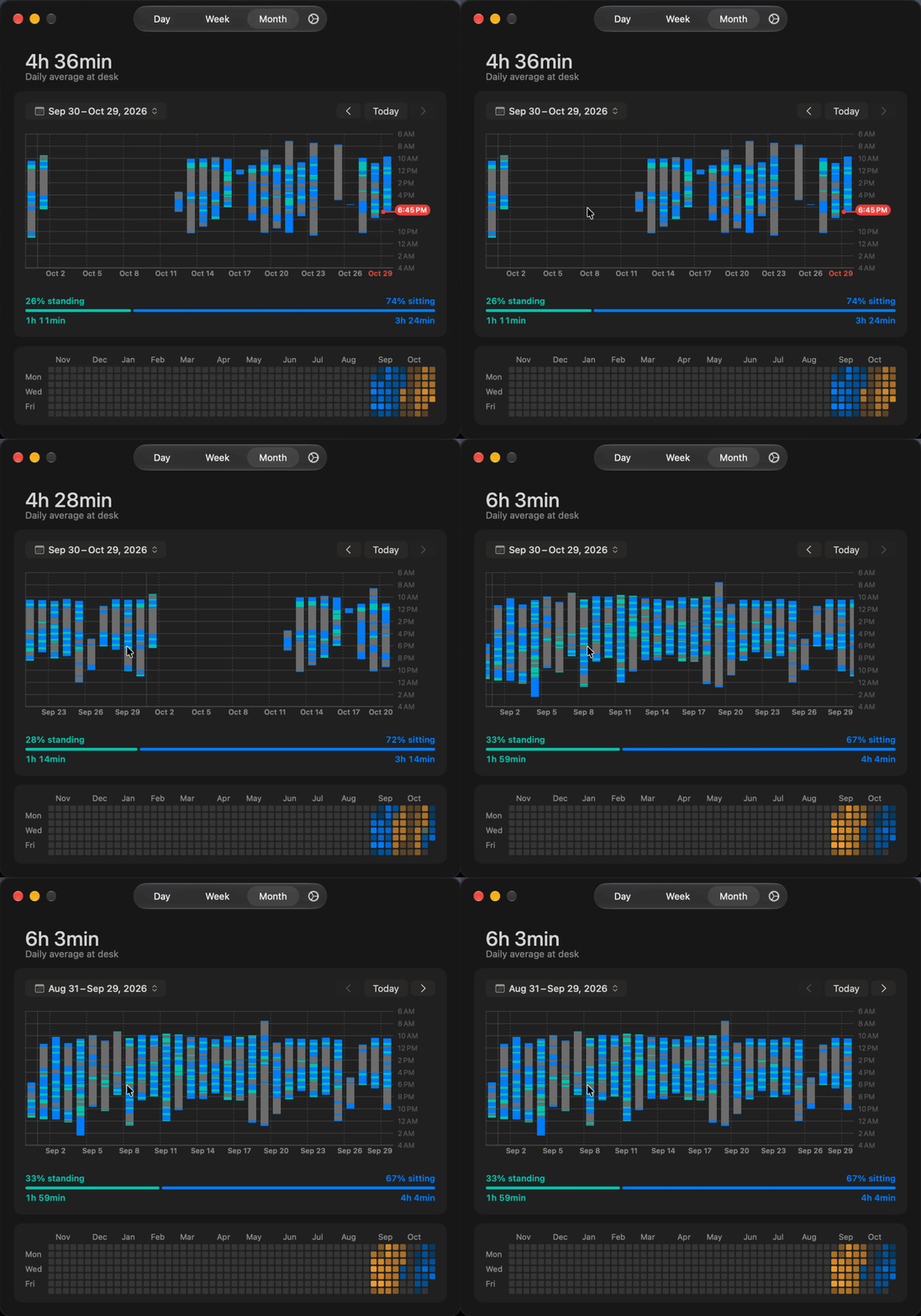
One UI design issue that got me stuck for a while was where to place the settings. I was thinking of putting them in a separate window behind ⌘, like every other macOS app, but I didn't feel like this was discoverable. I tried putting a simple settings icon in the top-right corner, but that didn't feel right either since the settings page was another tab and I had to add a back button to return. What I ended up doing was ignoring Apple's guidelines that discourage mixing text and icons within one control and making a tab bar with the Day, Week, and Month views and a tiny settings tab at the far right. Perhaps Apple will give us more Liquid Glass to work with at WWDC 2027 to solve this issue, but I think for now this is the best solution (if you have better ideas, please let me know!).

Also, one thing that I think is great UX is that whenever the desk moves up or down, the menu bar app changes to show the height while it's moving.

Another nice touch is the custom icons, courtesy of my agents.

Why I think you should use this
When Kelly Starrett released Deskbound: Standing Up to a Sitting World, it made a huge impact. Standing desks made their way into everything from garage home offices to Apple's offices. That said, I honestly don't know myself if standing is actually better, but I do think it's important to move. Though I don't have personal experience with this, the issue with standing desks is that people buy these desks and forget to use them! And their knee, hip, foot, back, and related issues usually continue. So I think something like this, which is so invisible that you don't even have to think about it, solves that issue in a beautiful and elegant way.
What's next?
For now, nothing. I'm gonna let this software stand on its own for a while instead of endlessly tinkering with it. I did build the backend in Rust (cause that's all the rage these days) to make a Windows version easier in the future.
Anyways, I'm really excited for people to use this! The Ergodriven Tempo is on sale for Black Friday and the entire month, so there is plenty of time to grab one. Before I had the agents reverse-engineer their Bluetooth protocol and decompile their app, I actually emailed Ergodriven customer support asking if it were possible to get the source code. I got no response, but I think this release will get their attention!
This release is going under my new SlaughterHouseSoftware group, which aims to build killer open-source software that's free forever. I'm putting Deskpilot under a GPLv3 license to keep it open source.